

The 14-day trial
The trial starts the first time you open Ferovi. Every feature is included. You do not need a card or an account.
To see how many days are left, open Settings and look at License at the top of General. It reads, for example, Trial, 9 days left, and the line under it says Everything is unlocked during the trial. In the last five days, the rail also shows the days left under Settings.
The trial belongs to your Mac. Deleting and reinstalling Ferovi does not start a new one.
When the trial ends
Every meeting stays readable, searchable and exportable. New recordings stop. When you press Record, Ferovi tells you that your trial has ended and offers Enter key and Buy Ferovi. A recording that is already running is never cut off. The same sheet has Not now.
These stay open after the trial: reading and searching your notes, the transcript, Ask, templates and playbooks, folders, importing, and every copy and export. Only recording stops.
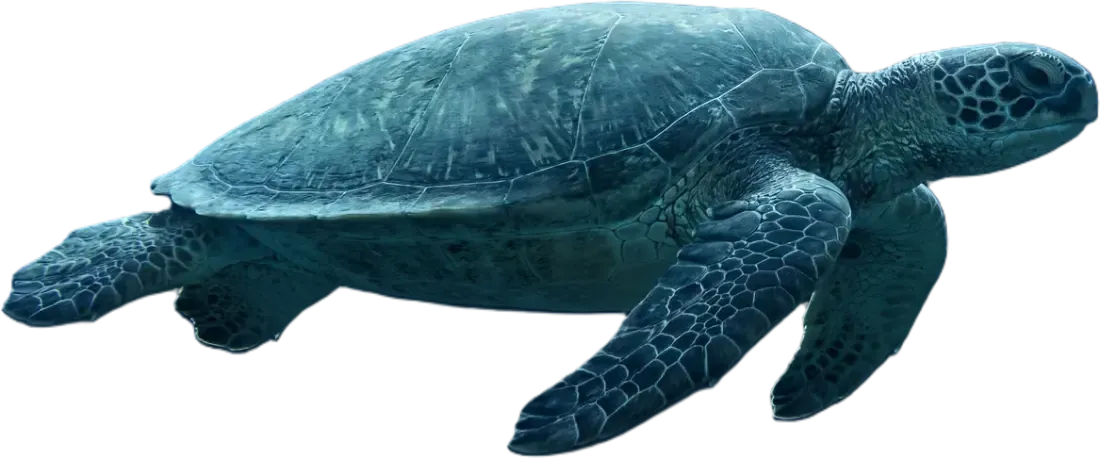
In the Reef, Dive, Drift and Bubbles need a license. Kelp, Jelly, Nautilus and Sand stay free.
The price
Ferovi Personal costs $99 once for the first 500 buyers or until Jan 31, 2027, whichever comes first. After that it costs $149 once. Both prices are plus tax where it applies. There is no subscription. One license covers one person, one library and any 4 devices: Mac, Windows, iPhone or Android.
To buy, press Buy Ferovi in the License section of Settings, or see Pricing. After you pay, your license key shows on the thank-you page and arrives by email. A key looks like KN-XXXXX-XXXXX-XXXXX-XXXXX.
Enter your key
Open Settings. Press Command-Comma, or press Settings in the rail.
Stay on the General tab. License is the first section.
Paste your key into the License key box. The box shows the hint From your purchase email or the thank-you page.
Press Activate, or press Return.
When it works, the status changes to Personal, and the line under it reads Everything is unlocked on this Mac. The box is replaced by a row that shows the name of this Mac, with Deactivate this Mac.
Ferovi tidies the key for you. Capital or small letters both work, and spaces are dropped.
You need the internet to activate
Ferovi needs the internet for this step. If it cannot reach ferovi.app, it says so under the box. Check your connection and try again. After activation, Ferovi checks your license whenever it connects to our server. It keeps recording for up to 90 days offline, with a warning from day 75. Days when our server is down do not count. After 90 offline days, new recordings wait for a check-in. Settings says Connect to the internet so Ferovi can confirm your license. Connect, and it clears.
Use a second computer, or move to a new one
One license covers one person, one library and any 4 devices. Add a new device from an existing member using a QR code or an 8-character code, then confirm the matching 6-digit code on both screens. If all four places are used, remove a device from any member first. Removal asks for that member device to be unlocked. Meetings already on the removed device stay readable and exportable. Adding a second member turns sync on and gives it every meeting in the library.
If the key does not work
- Keys look like KN-XXXXX-XXXXX-XXXXX-XXXXX. Check that you pasted the whole key.
- That key wasn’t recognized. Check it and try again. Copy it again from your email.
- This key has been turned off. Write to us. See Contact.
- Ferovi couldn’t reach ferovi.app. Check your connection.
- This copy of Ferovi has been changed. Reinstall Ferovi from ferovi.app.